Login to view the dashboard page with your characters, inventory and quick links to popular sites. Pin sites from the home page to the dashboard for quick access.
Please consider supporting if you like this project, so the site can keep running ad-free.
Favourites
Drag & drop banners here to add them to favourites.
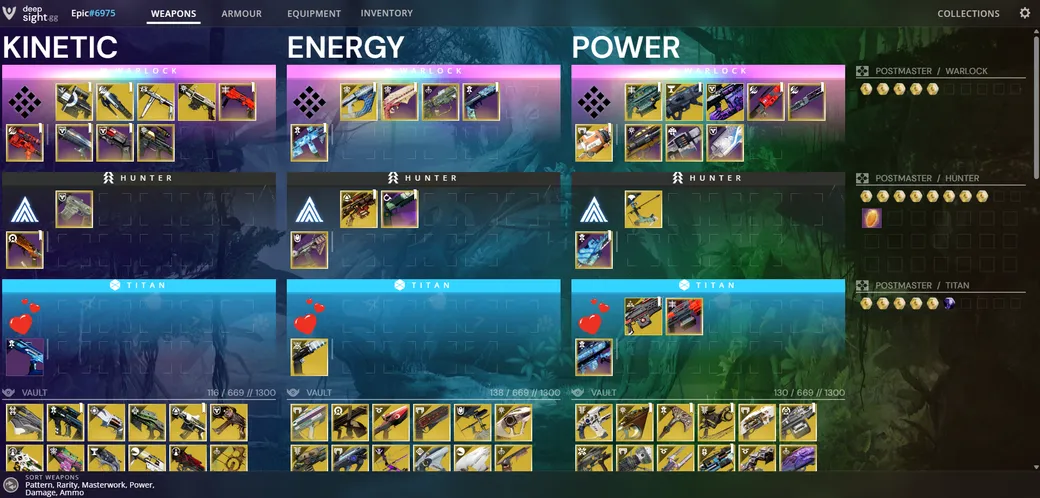
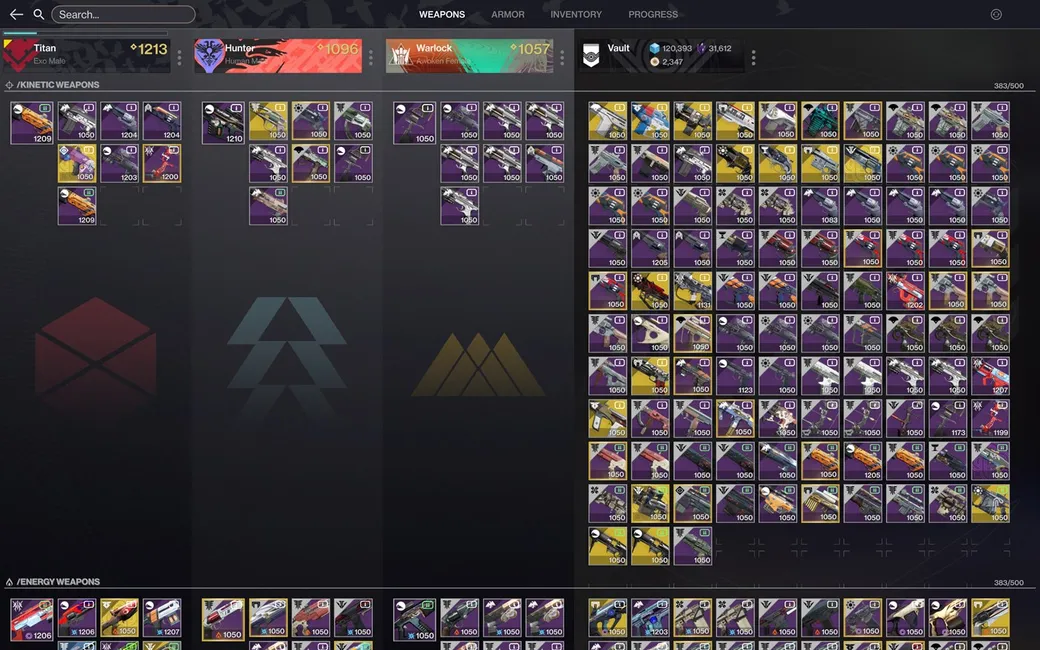
An item manager built around collections and crafting: sort and filter your
whole vault, track weapon patterns and deepsight, and see what you are still
missing.
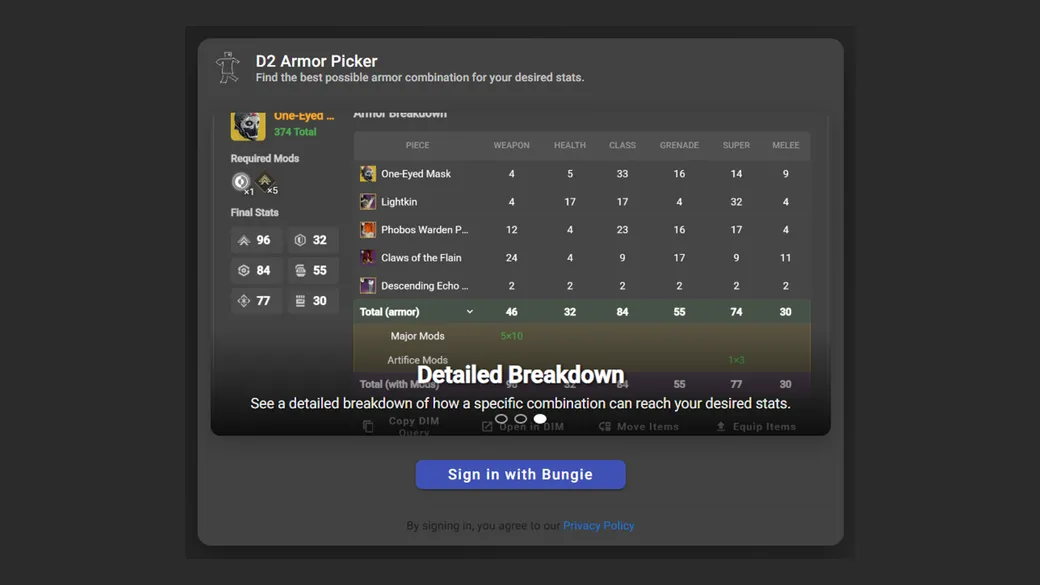
D2ArmorPicker checks every armor combination in your vault, inventory and
postmaster, then shows only the ones that reach your stat targets, mods
included.
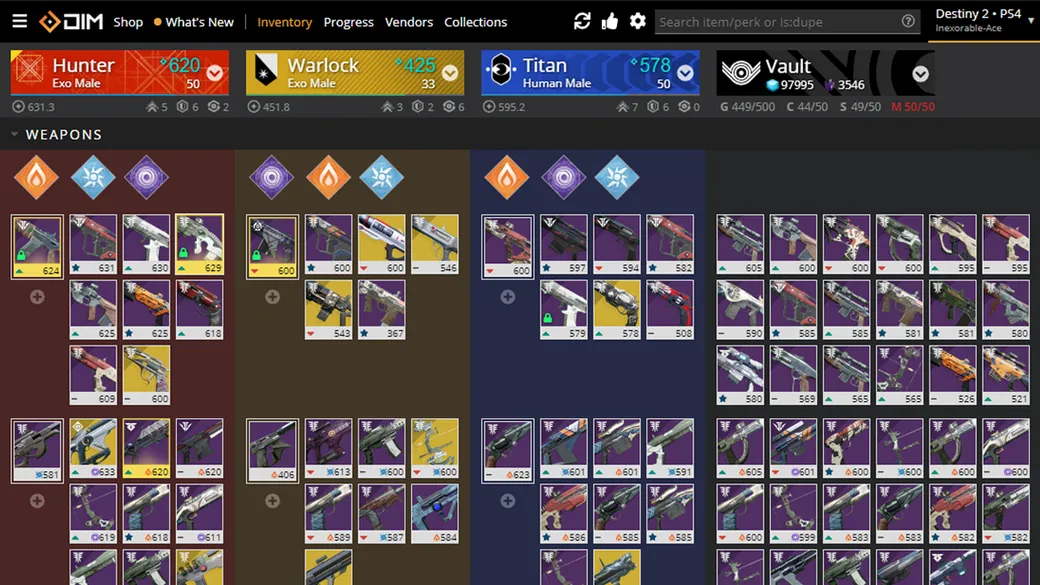
Ishtar Commander is an item manager built for phones and tablets as well as desktop.
Move weapons and armor between characters and the vault, equip loadouts
and check your inventory from any device while you play.
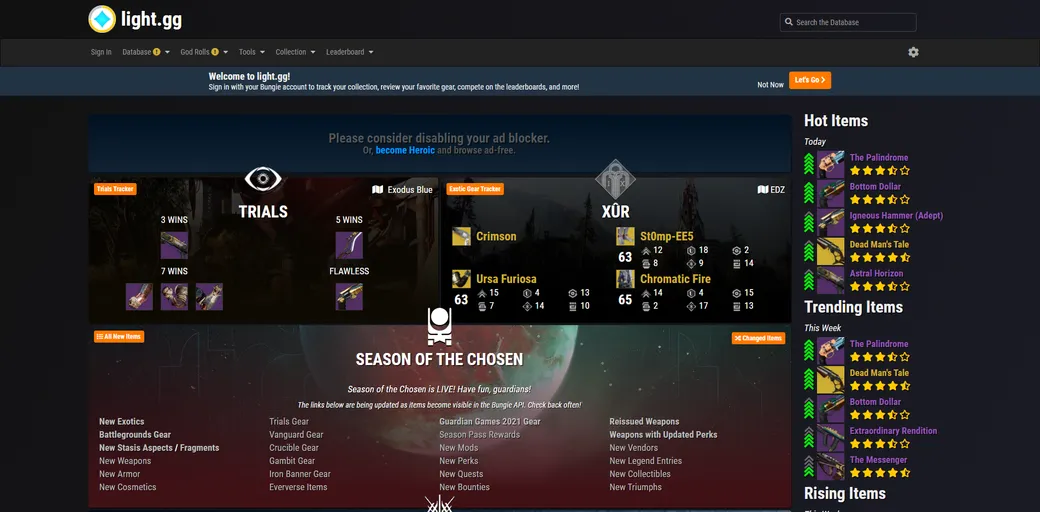
Database, God Rolls, Collection, and Leaderboards.
The Best Database with possible rolls, full stats, 3D previews, god rolls, leaderboards, reviews, and more.
Find weapons, armor, quests, triumphs, vendors, and cosmetics.
A fast weapon database with a proper search syntax: filter by perk, frame,
archetype, damage type, ammo, stat threshold or source, and stack the terms
until only the god roll you are after is left.
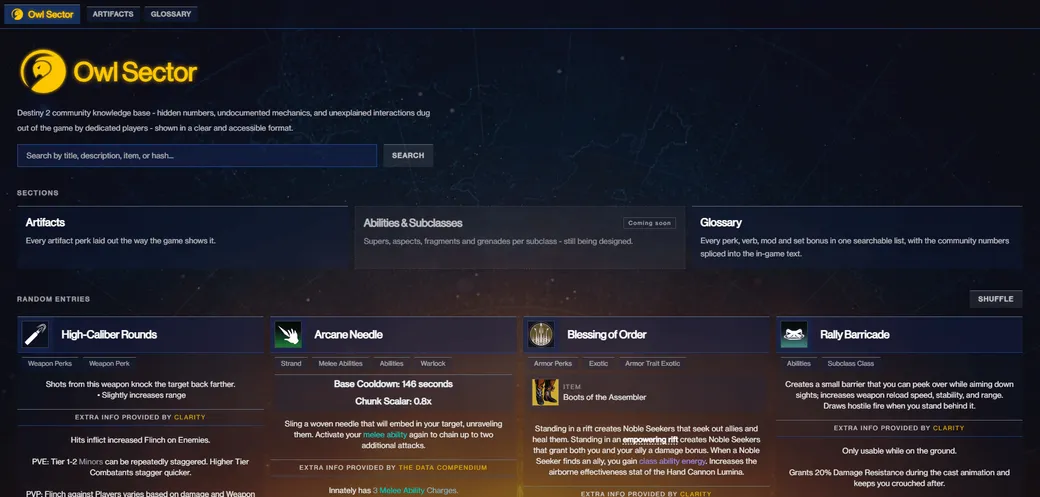
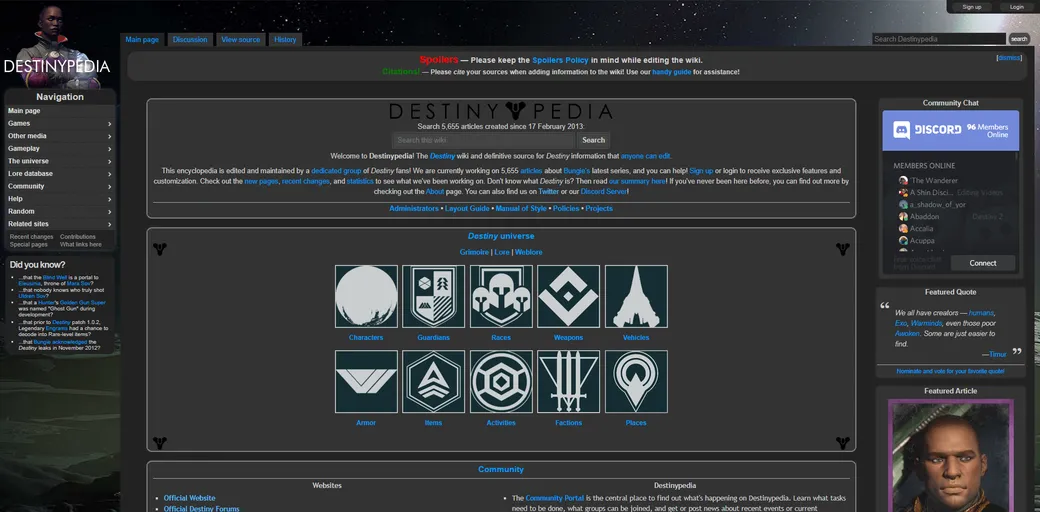
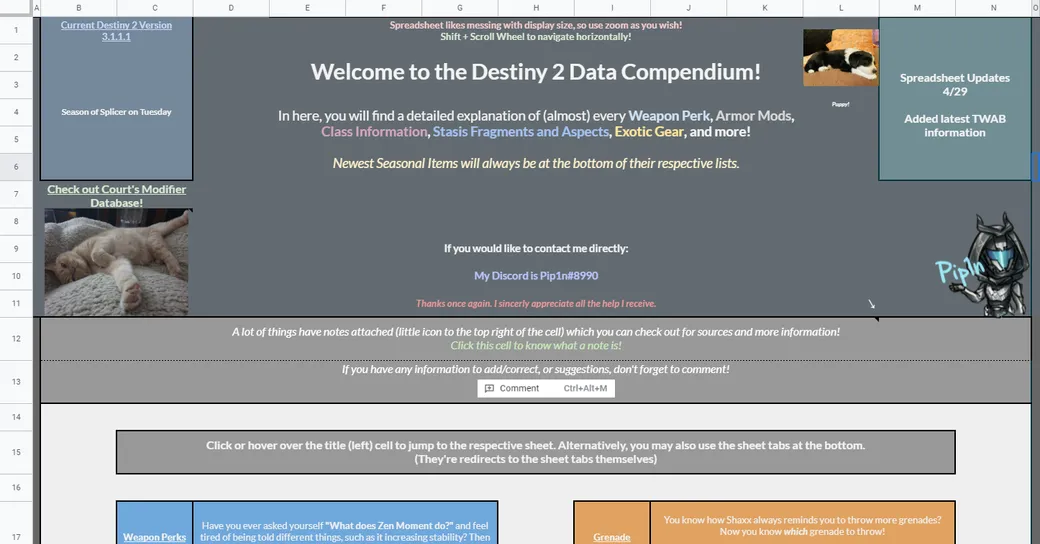
Owl Sector is a community knowledge base of hidden values, undocumented
mechanics and unexplained interactions, dug out of Destiny 2 by dedicated
players and laid out in plain, searchable text.
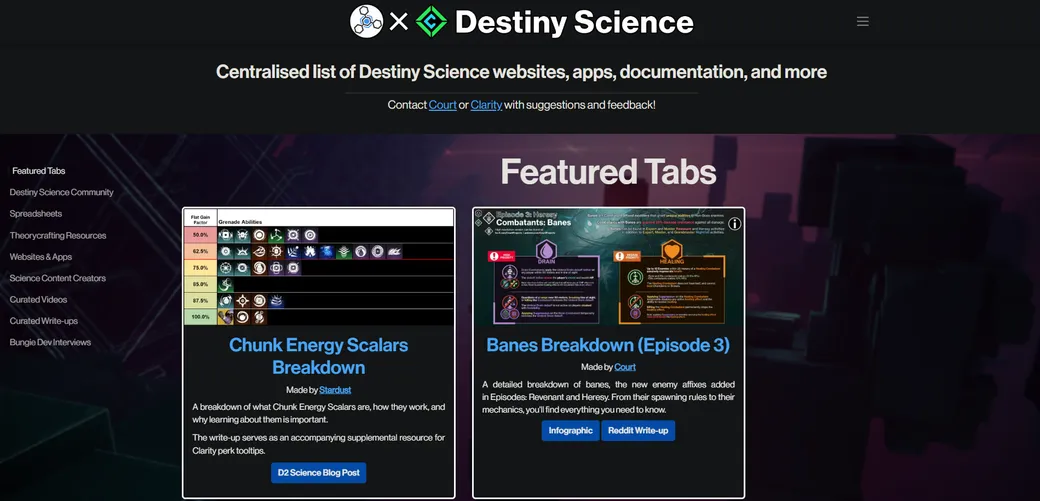
A Clarity and DPS collaboration that indexes the community's science: spreadsheets,
breakdowns, tools, write-ups and dev interviews, sorted into browsable tabs.
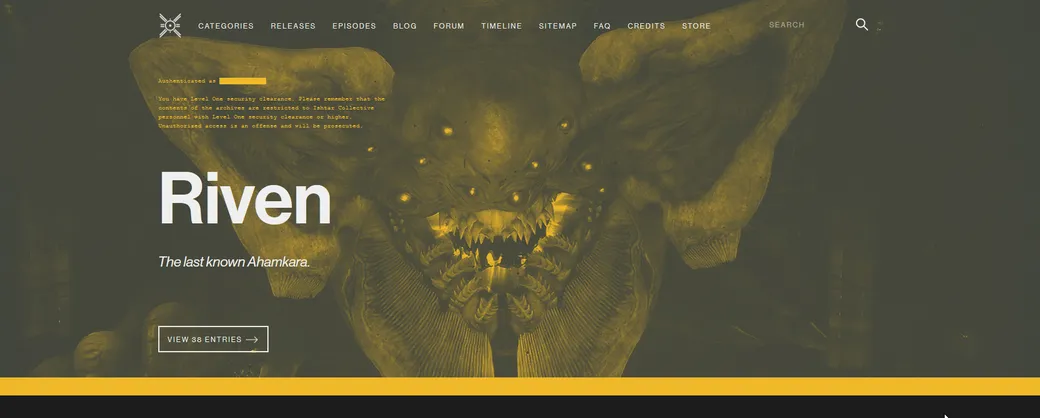
Their goal is to collect, organize and summarize any information
that could be useful to the research being carried out
by Ishtar Collective personnel.
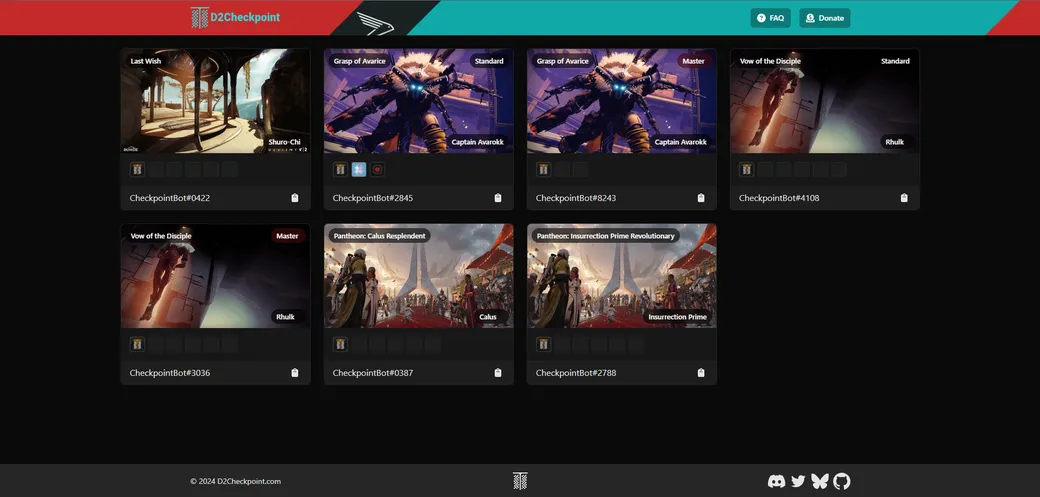
D2Checkpoint lists the community checkpoint bots and the raid and dungeon
checkpoints they are holding, so you can join one and land right at that fight.
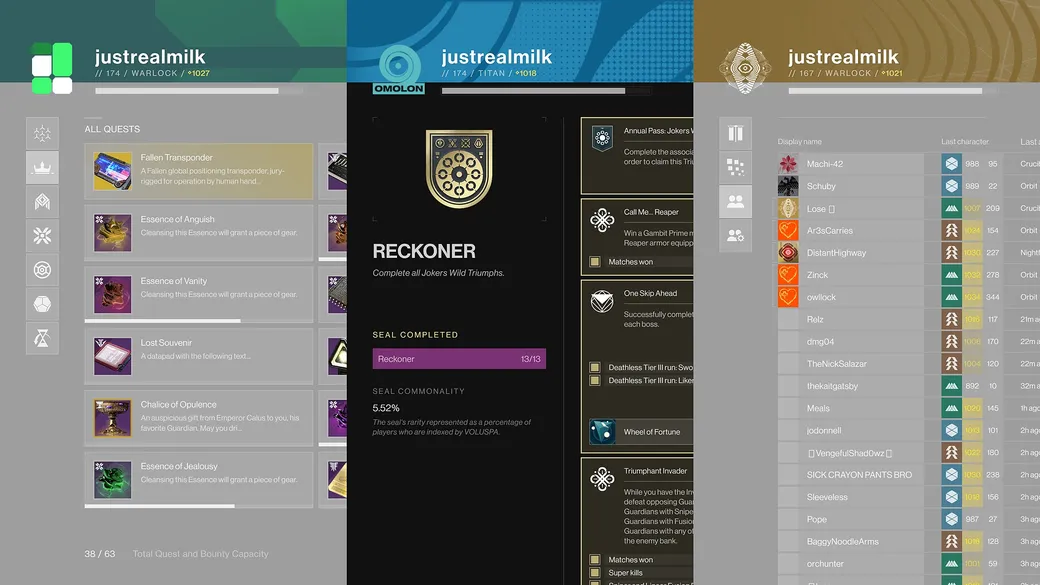
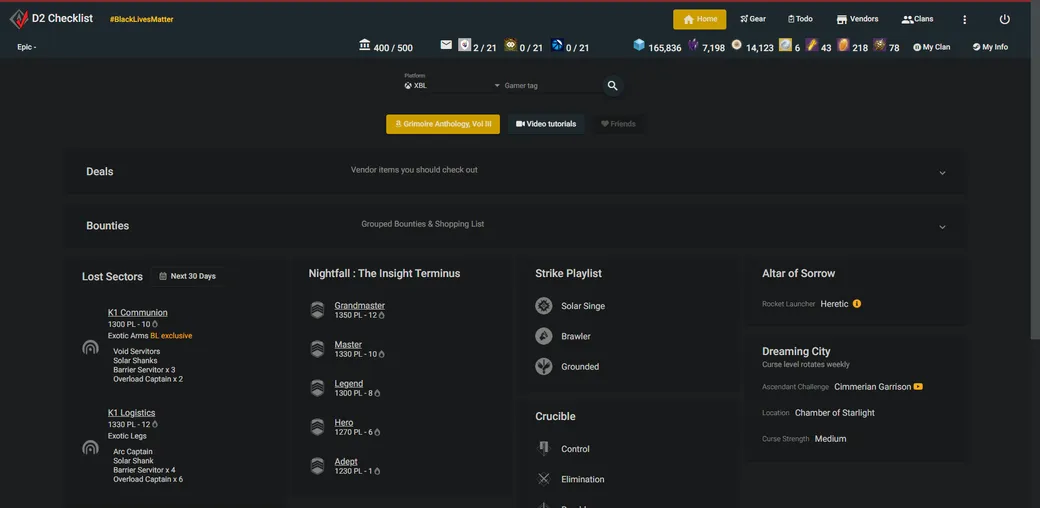
D2 Checklist shows what you have left to do: raid and dungeon clears, weekly milestones,
triumphs, collectibles and PvP stats. It covers clans too, so you can compare progress
with your clanmates. The Destiny 2 version of the original Destiny Checklist.
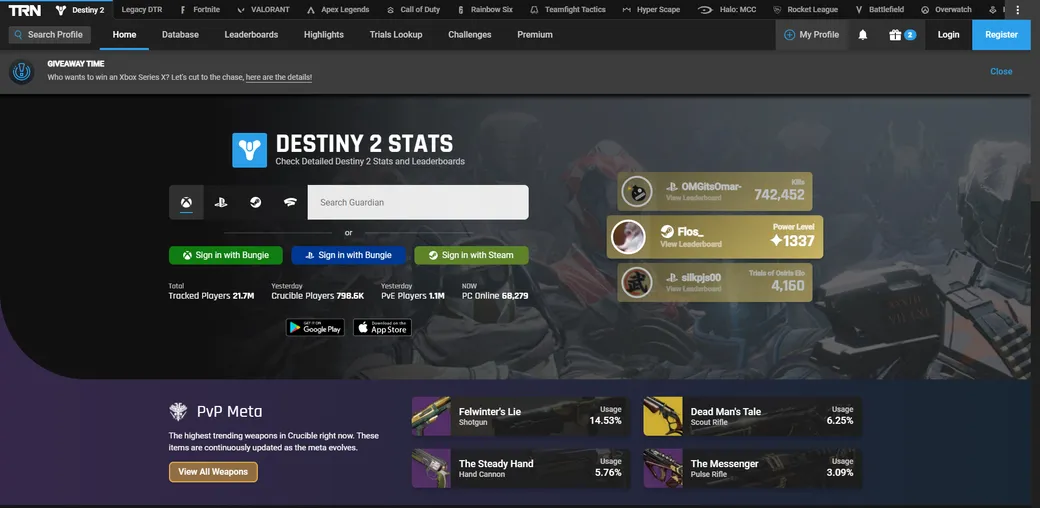
Destiny Tracker from Tracker Network keeps a full history of your Crucible and PvE matches.
Look up any Guardian to compare K/D, weapon usage and activity stats,
or see where you rank on the global leaderboards.
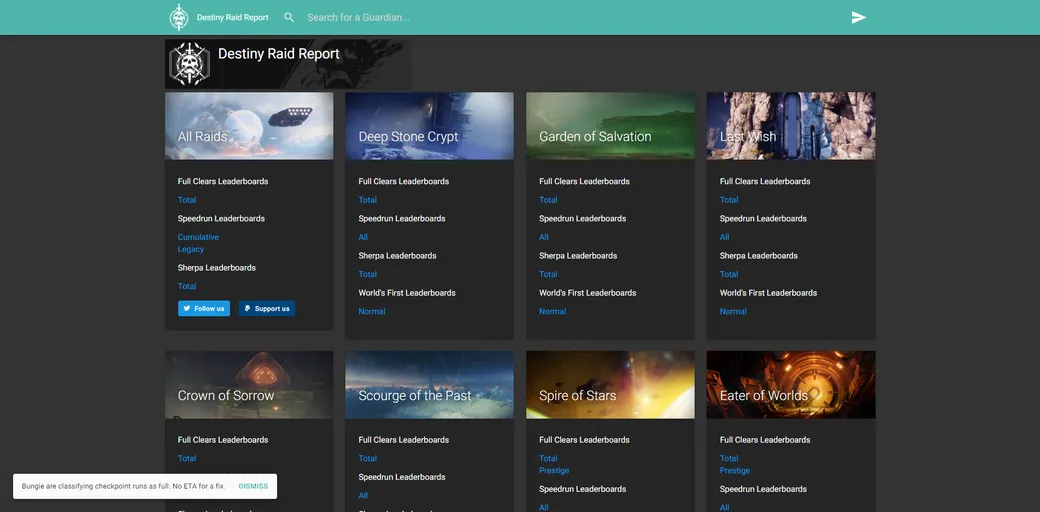
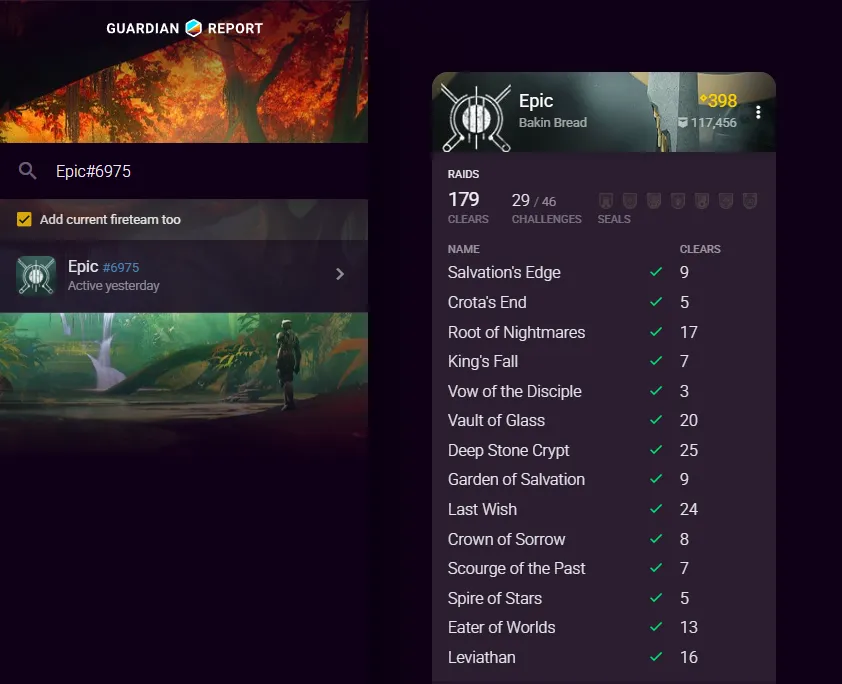
Raid Report lists every raid clear for any player, with full clears, fastest times,
flawless and low-man tags, and sherpa counts. The quickest way to check
a fireteam's raid experience before an LFG run.
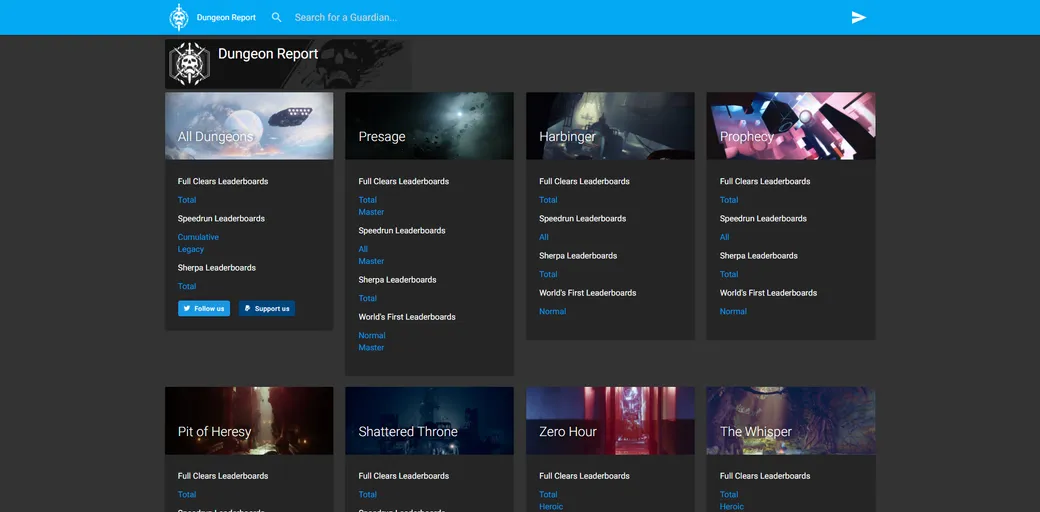
Dungeon Report does for dungeons what Raid Report does for raids:
every clear, fastest time, flawless and solo tag for any player.
Check your own progress or a teammate's experience before you head in.
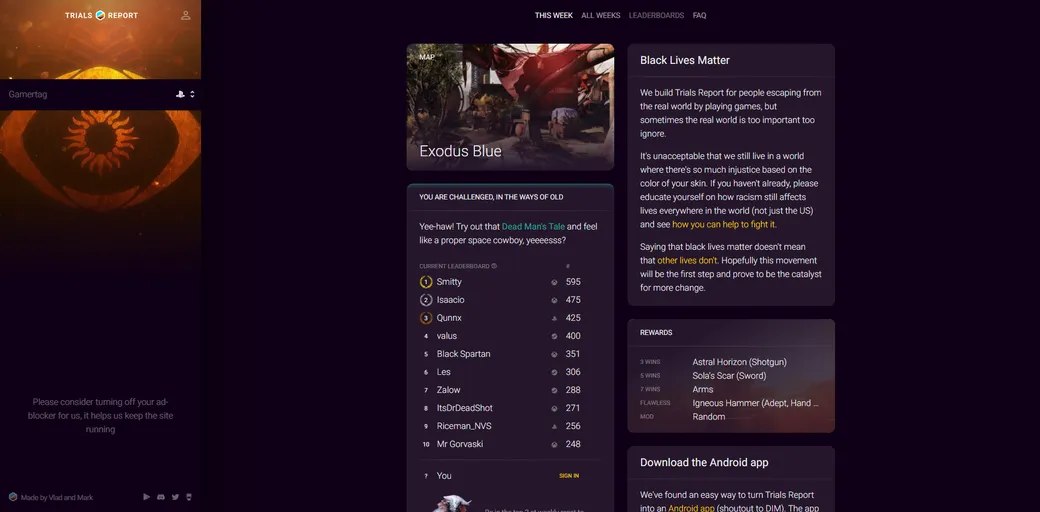
Trials Report shows the full Trials record for you and your opponents:
flawless runs, K/D and recent matches. Look up the team you just faced,
or review your own games to see where to improve.
Crucible Report lays out your PvP stats and recent matches in a clean, readable way.
Open any game to see how your teammates and opponents performed,
and look up a player's history before you queue again.
Guardian Report goes beyond the Crucible: look up yourself, your teammates or your opponents
in any activity, PvP or PvE, and see their stats and recent games in one place.
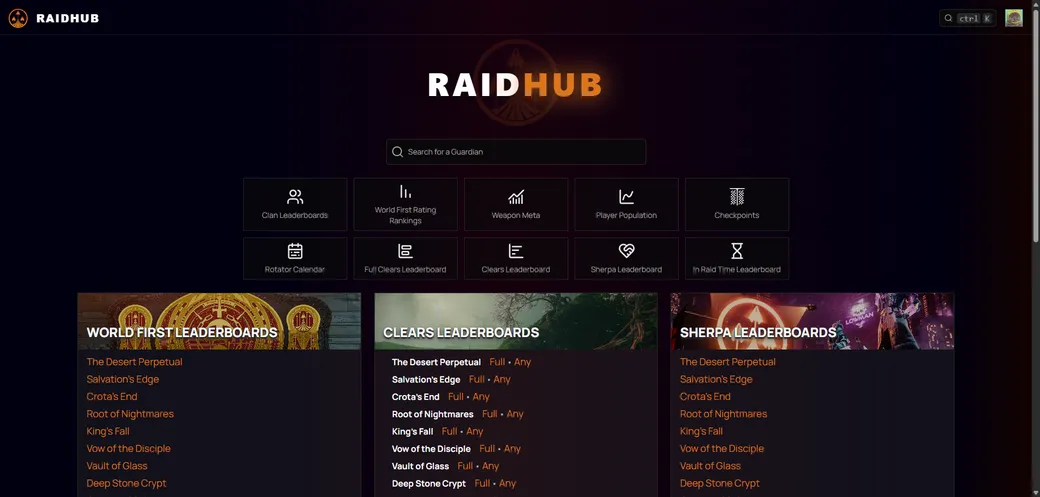
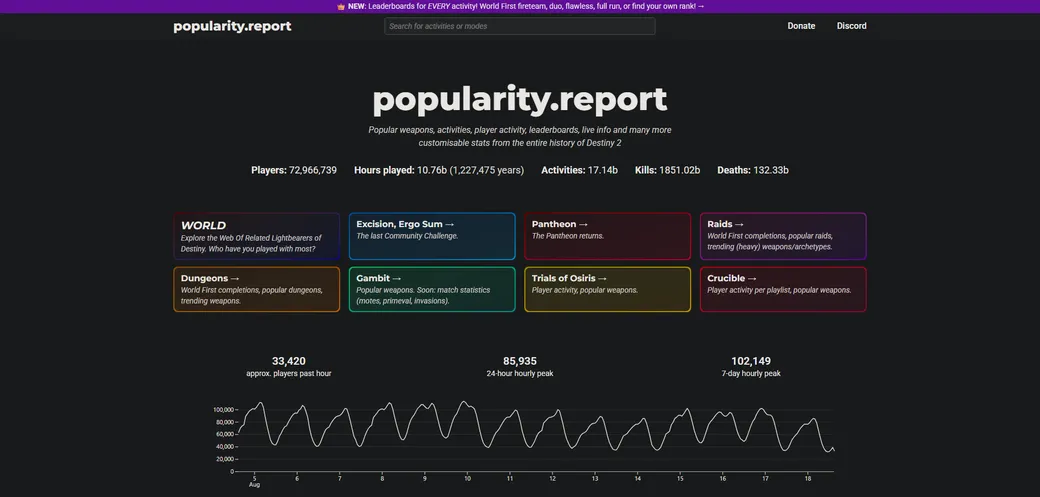
Population graphs, popular weapons and activities, World First completions and
leaderboards for every activity, built from the entire history of Destiny 2.
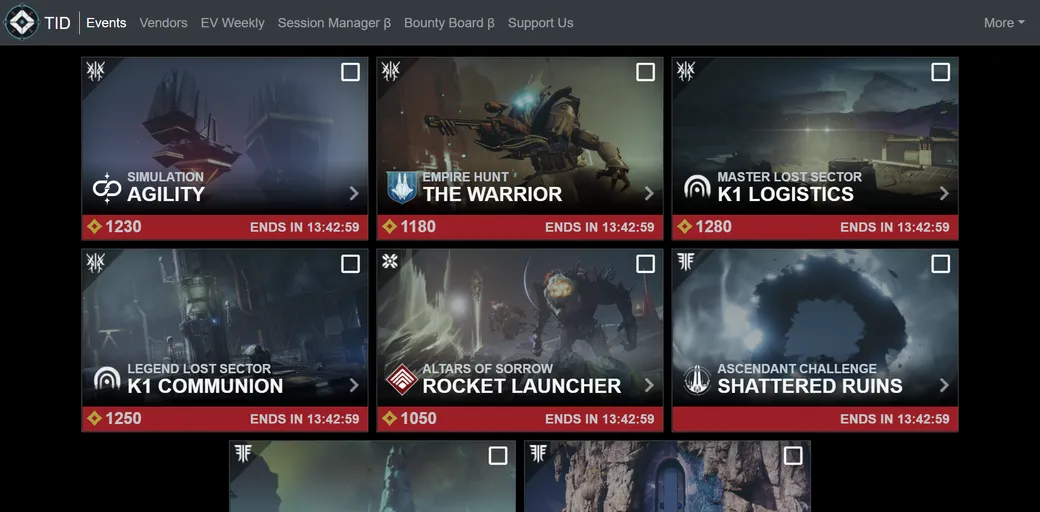
Today in Destiny tracks the current rotations: featured activities, daily and weekly resets,
and what every vendor is selling. Check it after reset to plan your week
without loading into the Tower.
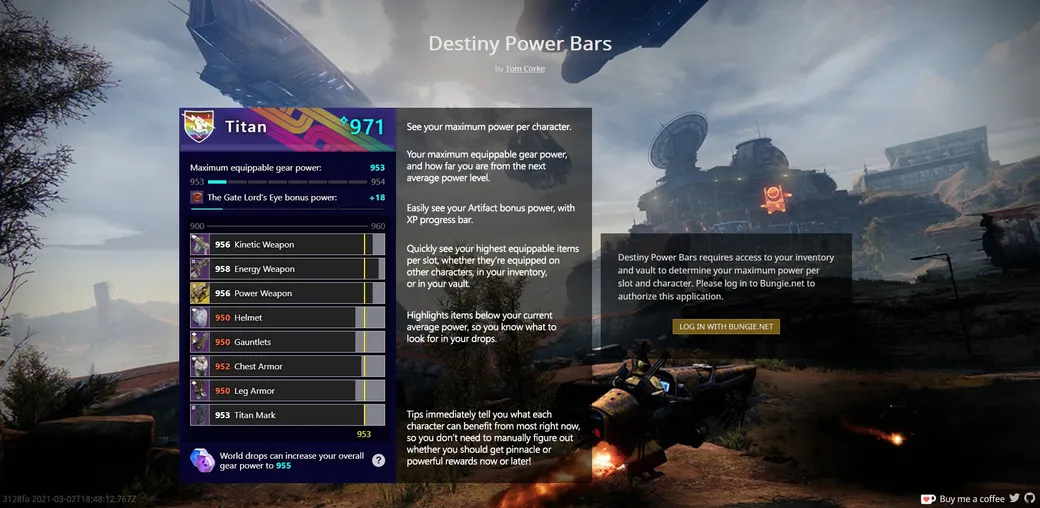
Quickly see your highest power item per slot for your characters.
Displays your maximum power per character including artifact bonus.
Also gives tips on how to efficiently power up your characters in the current season!
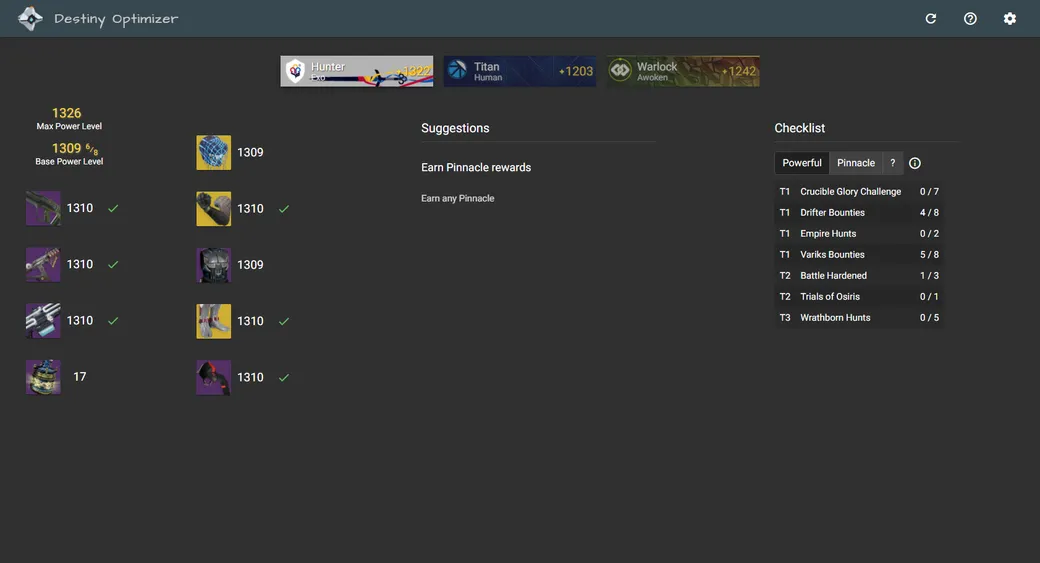
Destiny Optimizer works out the most efficient path to raise your Power level.
Instead of guessing which rewards to chase, see which ones give the biggest upgrade
and spend less of your week grinding.
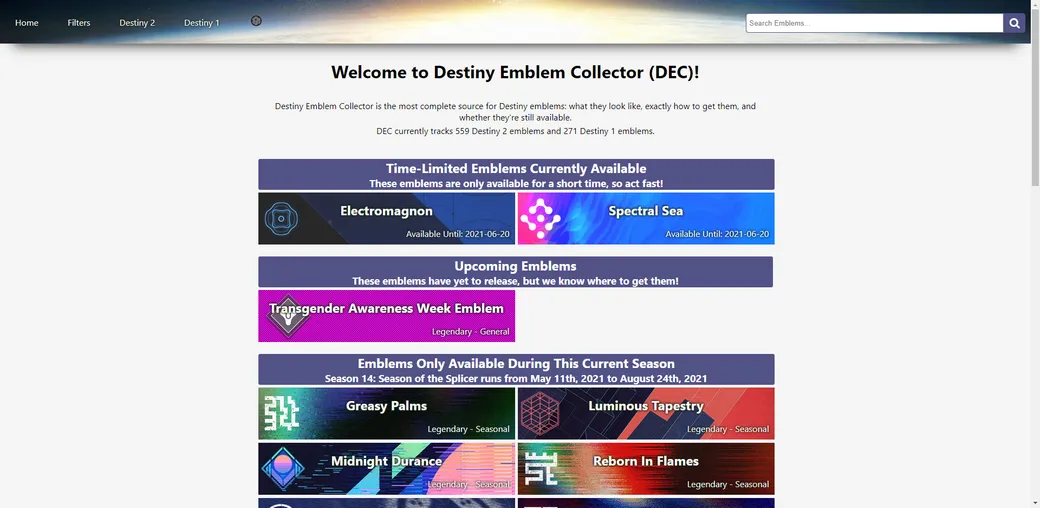
Destiny Emblem Collector is the most complete source for Destiny emblems:
what they look like, exactly how to get them, and whether they're still available.
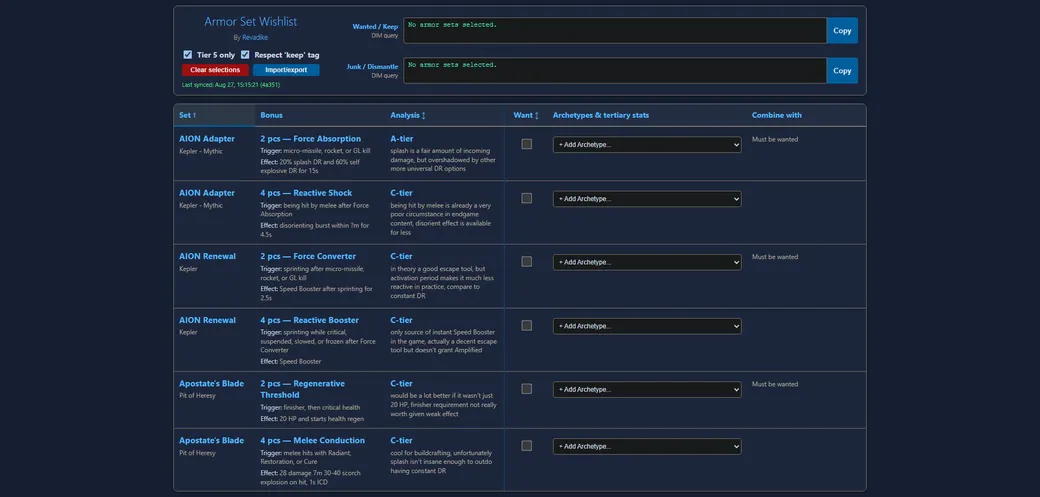
Decide which set bonuses are worth the vault space.
Every armor set bonus with its trigger, effect and a tier rating. Tick the ones
you want and it builds the DIM queries for what to keep and what to dismantle.
Winnower scores your weapon rolls against 250,000 curator recommendations, then
works out the smallest set of guns that still covers every perk combo worth
keeping.
Name an encounter and the board tells you how close you were on activity,
enemies, encounter number and expansion. One puzzle a day for everyone, or
unlimited rounds in arcade mode.
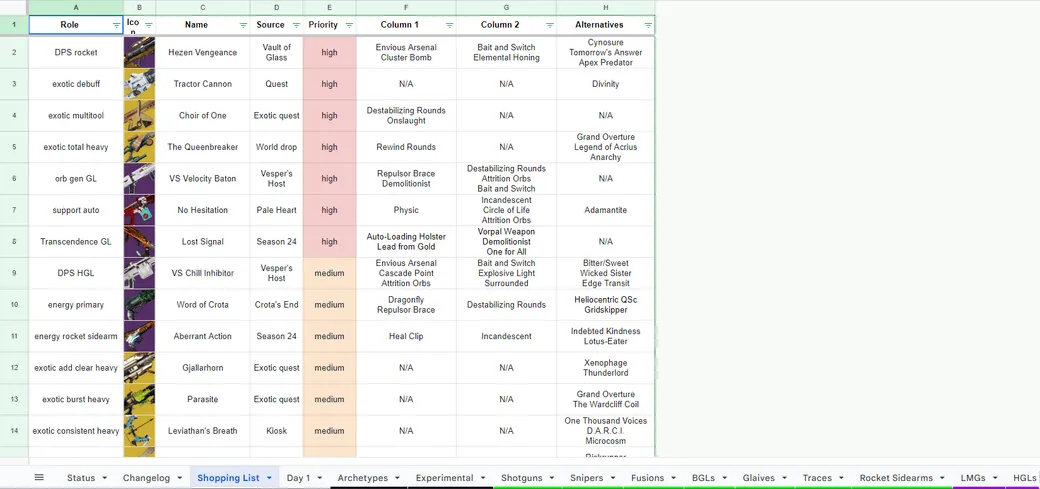
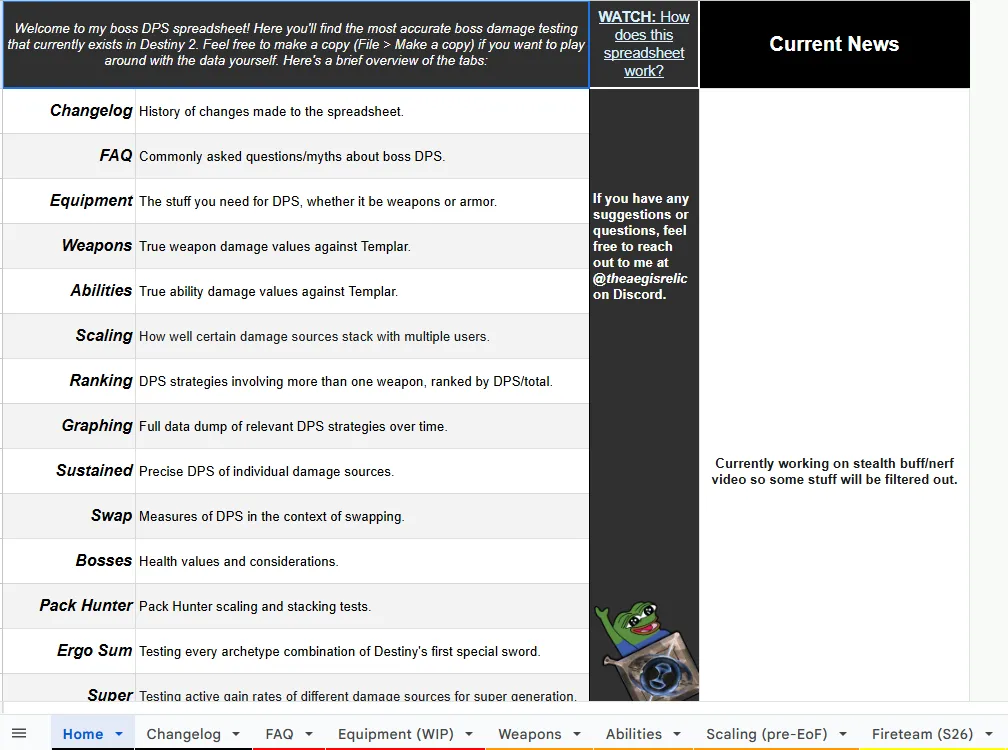
This spreadsheet compares weapon archetypes,
as well as base stats for every Legendary and Exotic
weapon in Destiny within each weapon type and subtype.
The purpose of this spreadsheet is to showcase the absolute maximization of raw weapon DPS and allow for DPS comparison by providing raw data that can be manipulated
with damage multipliers or in other ways by the user.
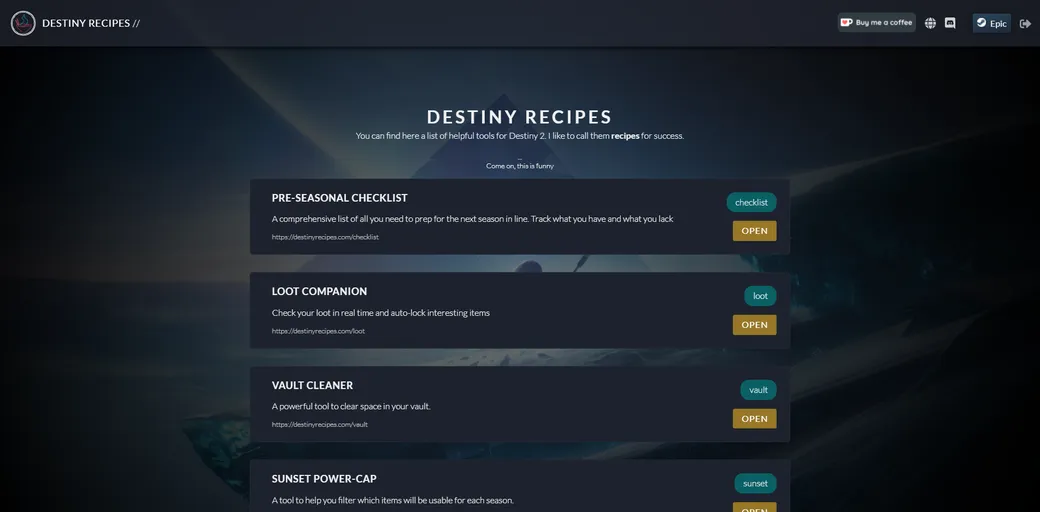
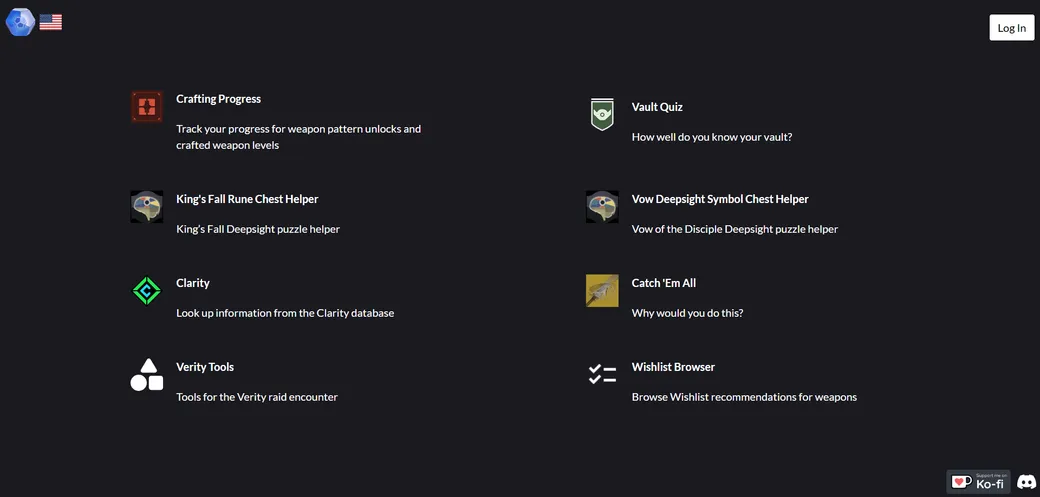
Destiny Launcher aims to be a, surprise, launcher for the websites
made around Destiny and its public api. It presents the numerous
websites for new players to explore and makes them easily accessible
from one place, for everyone.
Destiny Launcher will never have ads, so if you like the project, consider supporting on Ko-Fi.
Why are the banners closeable?
The banners are open by default so that new players can discover all
the sites, but if You know them and only want to use the Destiny
Launcher as a quick way to access Your favourite sites You can close
them and still open the sites by clicking on its icon or name.
Why is "insert site here" not here?
This is my personal collection of sites, but as the project is open
source, You can always suggest new sites to be added over on GitHub
or open a pull request with one.
Why is x in front of y?
Again this is my personal preference of sites,
but You can reorder the banners on non-touch devices
by dragging and dropping them anywhere.
(Tip: close the banners if You have a hard time dragging them.)
Also if You have already used drag and drop then when new banners get added, they will appear at the bottom of their category.